TL;DR
A Matter Alpha guide outlines ways to add screen-reactive lighting to a GTA VI setup, from HDMI sync boxes to camera-based TV kits and separate room lights. Matter can help compatible products share basic controls, but the live screen effects still rely on each manufacturer’s own system.
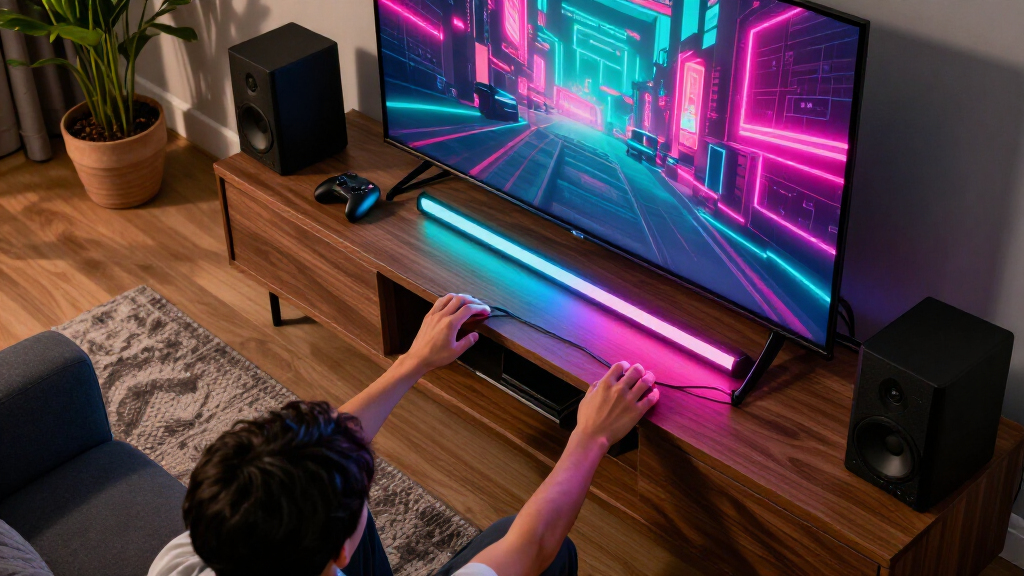
Matter Alpha has published a guide to lighting products that can bring Vice City-inspired colors into a living room while playing Grand Theft Auto VI, including HDMI sync boxes, camera-based TV kits and lamps. The guide’s central distinction is that Matter supports basic smart-home control, while live screen-matched effects generally depend on the lighting brand’s own system.

Get business pricing on your home office setup
- Business-only prices and quantity discounts
- Tax-exempt purchasing
- Multiple users, one account, clear invoices
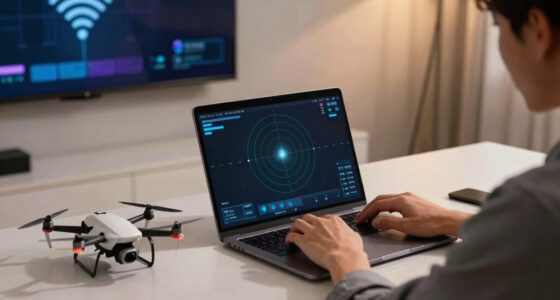
The guide highlights the Philips Hue Play HDMI sync box 8K, which reads color directly from an HDMI source and supports passthrough up to 4K at 120Hz or 8K at 60Hz. A compatible Hue light strip can cover the top and sides of a TV, with additional Hue lights extending the effect. The setup can become costly once the sync box, strip and, for expanded entertainment features and Matter integration, a Hue Bridge are included.
For another HDMI-based option, the guide lists Govee AI Sync Box Kit 2. It supports passthrough up to 4K at 144Hz or 8K at 60Hz, with VRR and ALLM, and uses a segmented strip to display different colors across the screen’s rear. Govee’s DreamView can extend effects to compatible products. The kit supports Matter for basic control, but its AI features and screen synchronization remain within Govee’s ecosystem, according to the guide.
Camera-based alternatives include Govee TV Backlight 3 and 3 Pro and Nanoleaf 4D. These sample the image from a camera mounted near the TV rather than requiring the console’s video signal to pass through a sync box. The source says this can suit built-in TV apps and avoid adding an HDMI device, but camera systems may be affected by reflections, room lighting and calibration. Nanoleaf’s AI-generated scenes are separate creative lighting tools, not GTA VI-specific gameplay recognition.
Choosing a Setup for Vice City
Screen-reactive lights can extend a game’s colors beyond the display, making a room feel more immersive without changing the game itself. For players, the choice involves more than appearance: video compatibility, installation, price and ecosystem all affect which setup makes sense.
An HDMI sync box reads the signal directly and can avoid a camera’s view of the screen, but it adds hardware and wiring and may require checking support for a console, TV and video features. A camera kit can work with a TV’s built-in apps and may be a simpler entry point, though its color matching depends on placement and room conditions. Neither approach is presented in the source as a GTA VI-specific feature; the products react to screen content or create lighting scenes.
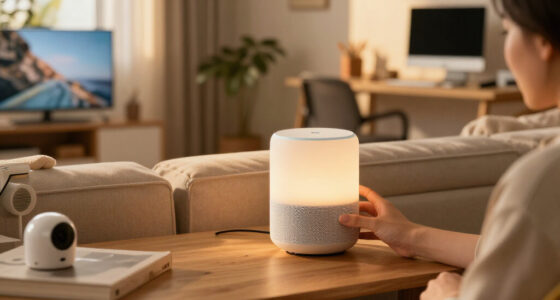
Room lights can broaden the effect without relying on a single strip behind the television. Floor lamps, cabinet strips and wall-facing spotlights can add color around the seating area. The source names options from Aqara, Govee and Nanoleaf, while noting that compatibility and the exact lighting effect vary by product.
Products Worth Considering

EGO Power+ SNT2122 21-Inch Single-Stage Snow Blower with Two 4.0Ah Batteries and 320W Charger

WORX BladeRunner Portable Tabletop Saw, 5.5 Amp, WX572L

DEWALT 20V Max XR Compact Drill Driver Kit (DCD771C2)
As an affiliate, we earn on qualifying purchases.
How Matter Fits In
Matter is a smart-home interoperability standard, but its role in these setups is narrower than the screen-sync branding might suggest. The guide says Matter commonly provides controls such as on/off, brightness, color and color temperature. It does not, by itself, provide the detailed, changing screen effects that make a light strip mirror a game.
Those effects usually rely on manufacturer-specific platforms, such as Hue Entertainment, Govee DreamView or Nanoleaf Sync+. As a result, a Matter-compatible bulb may join a shared smart-home scene without taking part in the same live screen-matching effect. Buyers should check the exact product and feature rather than assuming that Matter support means full cross-brand synchronization.
The systems also differ in how they capture the image. HDMI boxes read a source connected through the box; camera kits visually sample the display. The guide says Hue and Govee offer HDMI options, while Govee and Nanoleaf also sell camera-based kits. That difference affects installation and possible compatibility with built-in TV apps.
Compatibility and Effect Limits
The source is a product guide, not a report of official GTA VI lighting support. It does not establish that the game will include integrations with Hue, Govee, Nanoleaf or Matter. No game-specific compatibility or lighting feature is confirmed in the supplied material.
Actual performance can depend on a player’s TV, console, HDMI setup, chosen lights and room layout. The guide describes supported passthrough capabilities for some devices, but it does not provide independent testing, comparative measurements or current prices. Camera-based results can also vary with reflections, calibration and ambient light. Matter’s exact capabilities differ across products, and the source does not say that all listed lamps or strips support it.
Check Gear Before Buying
Before choosing a kit, players should check their TV size, the console and other HDMI sources they plan to connect, and support for features such as high refresh rates, VRR and HDR formats. They should also confirm whether a chosen kit works with built-in TV apps, whether it needs a separate hub or bridge, and which additional lights can join its live effects.
For a lower-complexity setup, a camera-based kit or a few color-capable lamps may be enough to add atmosphere. Players seeking precise screen matching should compare HDMI options against their video requirements and budget. The guide offers setup ideas, but product fit will depend on individual equipment; any future GTA VI-specific lighting integrations remain unconfirmed in the supplied source.
Key Questions
Does Matter make lights sync with GTA VI automatically?
No. The guide says Matter generally handles basic controls such as power, brightness and color. Live screen matching typically uses the lighting brand’s own system, and the source does not confirm a GTA VI-specific integration.
What is the difference between an HDMI sync box and a camera kit?
An HDMI sync box reads color from a connected video source, which can require routing the signal through extra hardware. A camera kit samples the TV’s screen from outside the signal path and may work with built-in TV apps, but its results can be affected by reflections, calibration and room lighting.
Which products does the guide feature?
The guide covers the Philips Hue Play HDMI sync box 8K, Govee AI Sync Box Kit 2, Govee TV Backlight 3 and 3 Pro, and Nanoleaf 4D. It also suggests extending the effect with compatible floor lamps, strips or other room lights.
Can these systems create a Vice City-themed scene without matching gameplay?
Yes. The guide describes using decorative lights and, in Nanoleaf’s case, AI-generated scenes to create a themed palette. It says those creative tools are separate from GTA VI gameplay recognition and from Nanoleaf 4D’s screen-mirroring function.
Source: matteralpha.com